
Internal Linking Mistakes That Leave Important Pages Isolated
Internal linking mistakes isolate important pages by limiting crawl paths, contextual relevance and user access; SEO-Ballarat.com.au identifies the gaps and fixes the internal link structure.
How Internal Links Keep Important Pages Discoverable
Internal links connect related pages so users and search engine crawlers can discover, understand and reach important content.
An internal link joins one page on a website to another page on the same website. These connections create a clear site architecture, guide user navigation and give crawlers useful paths through the content.
Strong links also show how pages relate to one another. A service page can link to a related guide, a parent page and useful supporting content. This structure helps search engines interpret content hierarchy and helps users follow a logical journey.
Internal Linking Mistakes at a Glance
Common internal linking mistakes interrupt the paths that connect important pages with users and crawlers. The table shows the isolation mechanism and the structural fix we look for.
| Mistake | How isolation occurs | Practical fix |
|---|---|---|
| Orphan page | No crawl path connects the page to the rest of the website. | Add relevant links from related, crawlable pages. |
| Broken internal link | The link destination returns an error or no longer exists. | Repair the destination or replace the link. |
| Redirect chain | Several URL steps make the crawl path less direct. | Link directly to the canonical URL. |
| Weak anchor text | The link gives little context about the linked page. | Use clear wording that matches the page topic and search intent. |
| Poor site architecture | Important deep pages sit outside useful content relationships. | Connect parent, sibling and supporting pages. |
The cost of each mistake depends on the number of affected pages, the complexity of the URL structure and the amount of content that needs review. We assess those factors before recommending a fix.
Seven Internal Linking Mistakes That Create Isolated Pages
An internal linking audit identifies where pages lose crawlability, context or link equity. We review the content hierarchy, source pages and target pages so each important page has a useful place in the site structure.
The right fix depends on why the page became isolated. A new page may need an editorial link, while a migrated page may need corrected URL references and redirect mapping.
Mistake: Publishing Important Pages Without Any Internal Links
An orphan page is a published page with no links from other crawlable pages on the same website. New pages can be missed when they rely only on an XML sitemap for content discovery.
The isolation reduces useful crawl paths and leaves the page disconnected from related topics. We fix this by adding relevant links from suitable parent pages, supporting articles and navigation areas.
The work involved depends on the number of pages and the quality of the existing content relationships. We map the page’s role before selecting link destinations.
Mistake: Linking Only to Homepage and Top-Level Pages
Links that point only to the homepage and top-level pages can leave deep pages outside the useful site hierarchy. This pattern often happens when navigation is designed without reviewing the full content structure.
Deep pages then receive less internal authority and fewer contextual paths. We connect them with relevant parent pages, sibling pages and related content.
The required effort depends on how many levels the site contains and whether the existing navigation supports the page relationships.
Mistake: Using Generic or Misleading Anchor Text
Anchor text should describe the linked page clearly and support its search intent. Generic wording can hide the relationship between the source page and the destination.
Misleading wording can weaken contextual relevance and frustrate users who expect a different destination. We replace vague wording with a descriptive link that accurately represents the target page.
The work depends on the number of links that need review and whether the surrounding content also needs adjustment.
Mistake: Leaving Broken Internal Links in Valuable Content
A broken internal link sends users or crawlers to an unavailable link destination, such as a 404 page. Broken links often appear after content deletion, URL changes or incomplete website maintenance.
These links interrupt user experience and reduce crawl efficiency. We repair the destination, replace the link with a relevant page or remove it when no suitable destination exists.
The cost depends on the size of the broken link audit and whether URL changes require broader content updates.
Mistake: Sending Internal Links Through Unnecessary Redirects
A redirect chain sends an internal link through multiple URL changes before reaching the final page. A redirect loop prevents the destination from loading and breaks the crawl path.
These problems often follow URL restructuring or incomplete redirect mapping. We update internal links so they point directly to the canonical URL and check that each destination resolves correctly.
The required work depends on the number of redirects, affected templates and URL relationships across the website.
Mistake: Adding Too Many Links Without a Clear Page Relationship
Excessive links can weaken link relevance when the page has no clear relationship with each destination. This usually happens when links are added for coverage without considering the user journey.
Unfocused navigation can make important links harder to notice and reduce content quality. We retain contextual links that help users move between closely related pages and remove links that add no useful direction.
The cost depends on how much content needs editing and whether the site architecture also needs restructuring.
Mistake: Ignoring Internal Links After Content or URL Changes
Content updates and URL migrations can leave stale links pointing to old or unsuitable destinations. This mistake occurs when redirect mapping is completed without reviewing links in existing content.
Stale links can weaken navigation and disconnect pages that were previously related. We review internal link maintenance after each major change and update source pages, target pages and navigation elements.
The required work depends on the migration size, the number of changed URLs and the amount of content requiring review.
What Makes an Orphan Page an SEO Problem?
An orphan page is a published page with no links from other crawlable pages on the same website, which makes discovery, context and navigation harder.
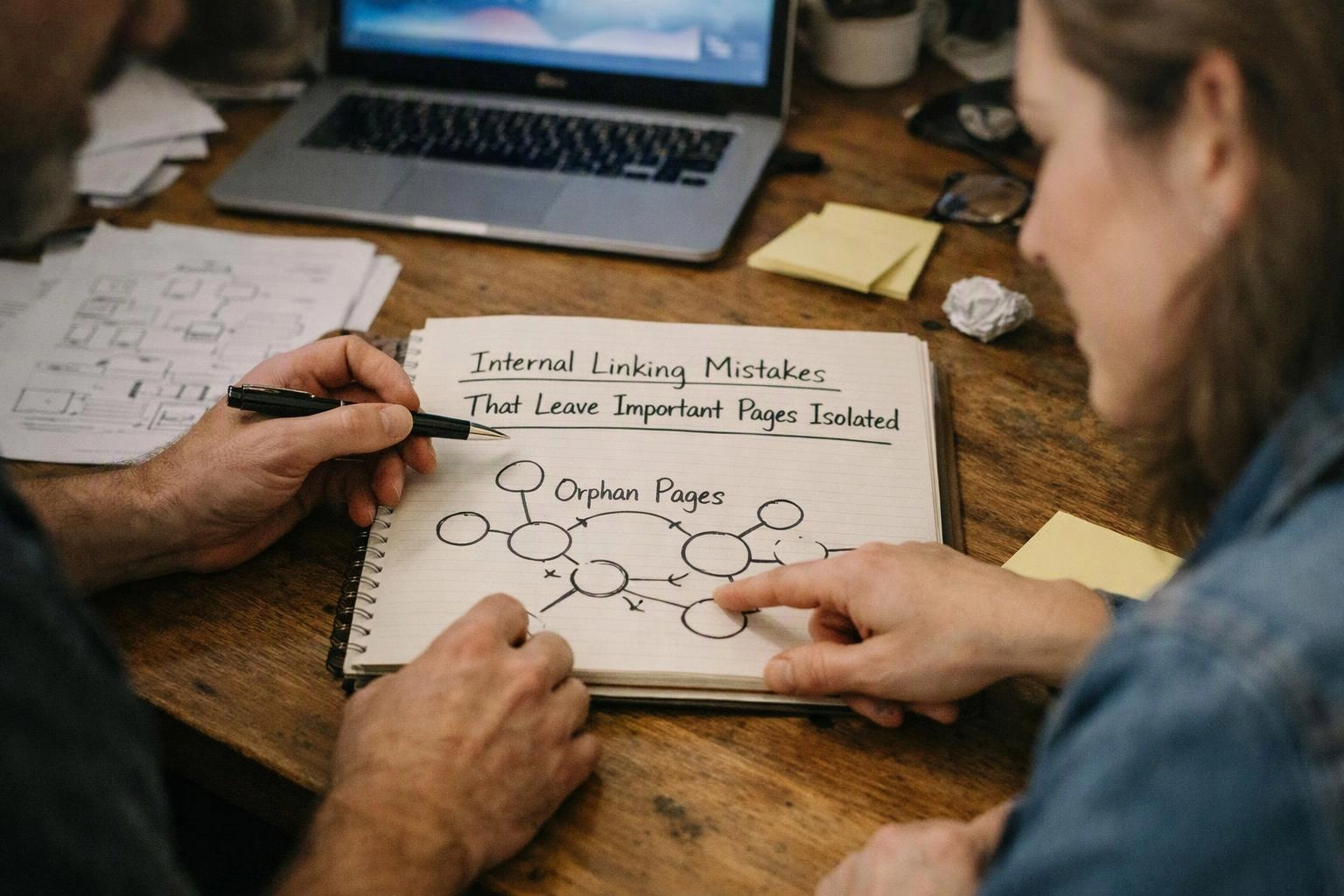
Organic search visibility can suffer when crawlers have no reliable path to the page. The page may also receive little internal authority and lack the surrounding context that explains its role.
Indexation is possible through other discovery methods, but an orphan page still creates a poor user journey and a weak site structure. Internal links give the page a clearer place within the website.
How We Diagnose Isolated Pages and Broken Link Paths
Our team uses an SEO crawl and an internal link report to compare published pages, link paths and important destinations. We combine technical findings with the intended site architecture.
The scope depends on the website’s size, CMS, URL structure and content library. We explain which findings need structural work and which can be fixed through focused content updates.
How We Reconnect Important Pages to the Site Structure
Internal link optimisation reconnects important pages with relevant parts of the site structure. We choose links that help users and clarify content hierarchy.
We may add a contextual link from a related article, a link from the parent page or a connection to a sibling page. Breadcrumb navigation can also show where a page belongs within the site architecture.
We review anchor text for accuracy and search intent. The final structure should guide users naturally without adding links that have no clear purpose.
Our team can review the site through Internal Link Optimization and align the work with broader Technical SEO needs.
When to Call SEO-Ballarat.com.au About Internal Linking
We recommend an internal linking review when page isolation or broken paths could affect navigation, crawlability or organic search access.
We assess the current structure before recommending work. The required scope depends on the number of affected pages and the complexity of the website.
How to Request an Internal Linking Review
SEO-Ballarat.com.au reviews the website structure, identifies isolated pages and explains the internal linking work required; Free Estimates Available.
We begin with a website crawl, review internal link paths and identify broken or weak connections. Our findings show which pages need new contextual links, corrected anchor text or URL updates.
The estimate depends on the website size, content library, URL changes and depth of the required Technical SEO work. Contact us through our enquiry form to request a review.
Questions About Isolated Pages and Internal Linking
Can a page be indexed if it has no internal links?
Yes, a page can be indexed without internal links when a search engine crawler discovers it through another source, such as an XML sitemap or an external link. The page still lacks useful site context and user navigation.
How do I find orphan pages on a website?
You can find orphan pages by comparing an SEO crawl with the XML sitemap, content inventory and known URL lists. Pages that exist but have no incoming internal links need further review.
Do broken internal links affect user experience?
Yes, broken internal links affect user experience by sending visitors to an unavailable destination or a 404 error. Broken paths also make it harder for crawlers to move through related content.
Should every important page have an internal link?
Yes, every important page should have at least one relevant internal link from a crawlable page. The link should fit the content relationship and help users understand where the page belongs.
How do internal links support a website migration?
Internal links support a website migration by pointing directly to the new canonical URLs and preserving useful page relationships. We combine updated links with redirect mapping so old paths do not isolate migrated pages.