Comprehensive SEO Tools for Technical SEO and Audits
SEO tools for technical SEO and audits give clear data to improve website performance. They help find issues and track gains with Google Search Console, Screaming Frog, and Ahrefs.

SEO audit tools are used for technical SEO and audits, keyword research, competitor analysis, backlink checking, and performance tracking. In simple terms, the best platforms help you find problems fast. They help you sort fixes and track changes in organic traffic and search engine ranking.
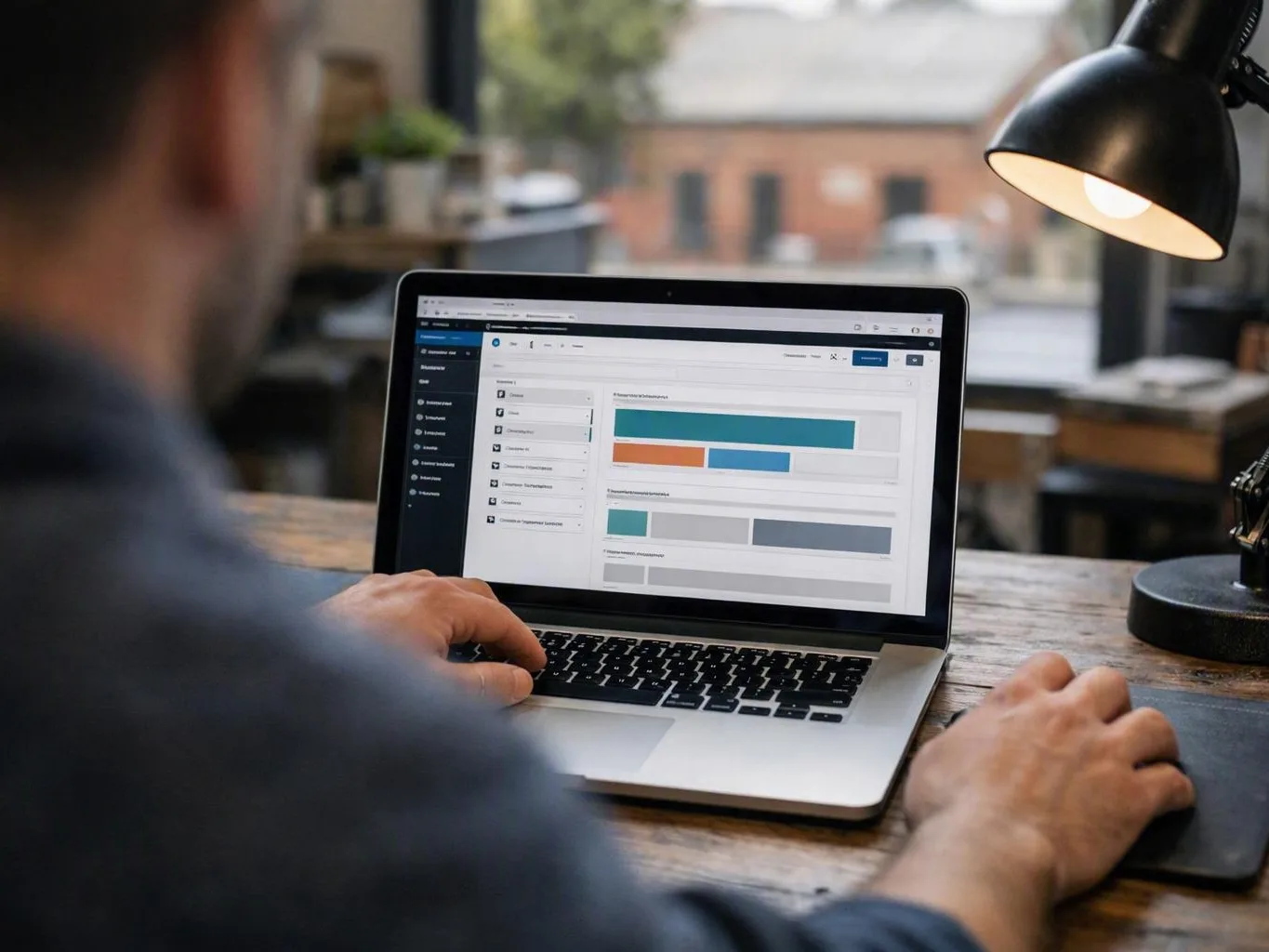
Good website optimisation tools do more than scan pages. They can check small sites and large ecommerce catalogues. Many also handle website audits, keyword analysis, crawl reports, and audit dashboards. Those dashboards can show indexing issues, site speed, and content optimisation chances.
We usually suggest a tool stack, not just one platform. No single tool does every job well. One may be great for site crawling. Another may work best for backlink profile checks. A third may show search performance data. Together, these digital marketing tools give clearer steps for technical and content SEO work.
If you want real results, pair tools with different jobs. Use one to find crawl errors and technical SEO audit issues. Use another to track user behaviour, conversion rate optimisation, and SEO metrics over time. That makes your next move much easier.
What Are the Best SEO Audit and Technical SEO Tools?
Technical SEO tools and SEO audit tools help identify website issues and optimise performance. Leading tools include Google Search Console for diagnostics, Screaming Frog for crawling, and SEMrush for comprehensive audits.
The best tool depends on what you need to check. If you need indexing issues, crawl errors, and page coverage problems, start with Google Search Console. It comes from Google. It shows how your site appears in search.
For a deeper check, Screaming Frog is a strong crawler. It scans titles, redirects, broken links, canonicals, internal links, and status codes. You get a lot from one crawl.
SEMrush and Ahrefs are broader SEO platforms. They mix site audits with keyword tracking tools, competitor insights, rank tracking, and backlink monitoring tools. That setup helps when you want one place for checks and research. Moz Pro and Sitebulb also help, especially with easier reports and clear task order.
For larger websites, scale matters. Some sites have a few pages. Others have many thousands. Good tools can handle both and stay clear. DeepCrawl is often used in enterprise workflows. It helps with repeat site crawling and reports on templates, duplicate content, and site structure. Sitebulb is strong for visual reports. That helps newer users see why an issue matters.
In real work, a mixed toolkit gives the best value. Use Google Search Console for direct search data. Use Screaming Frog for on-site checks. Add Ahrefs or SEMrush for competitor context. That gives you tools for SEO Audits, Technical SEO, search performance tracking, and content planning. If a business asks about SEO Audits in Ballarat, we'd start the same way. The process works for small and large sites.
These SEO software options work best when they lead to action. A good audit should show what is broken. It should show how serious it is. It should also show what to fix first.
How Google Search Console Supports SEO Efforts?
Google Search Console is a free tool that provides critical insights into website indexing, crawl errors, search performance, and technical issues, making it indispensable for technical SEO and audits.
Its biggest strength is clear data from Google. You can see which pages are indexed. You can also see which pages are left out. It also shows soft 404s, redirect issues, and blocked resources. That is why people ask what is Google Search Console used for in SEO. It helps monitor indexing, find technical problems, and improve organic search visibility.
The Performance report shows impressions, clicks, average position, and click-through rate. It helps you find pages that rank but get few clicks. It also shows pages that may need better titles, stronger content, or better internal links. Search performance data helps connect fixes to traffic changes.
Search Console also shows mobile usability issues and Core Web Vitals trends. It shows manual actions too, when they exist. If Google can't crawl or read key pages, the tool often warns you early. That makes it vital for reviews and ongoing site care.
Another strength is better decision making. It doesn't just dump raw data on you. It can show where crawl budget is wasted. It can show weak sitemap coverage too. It can also show pages that miss search intent. When we pair it with our SEO Services work, it links tech fixes with content optimisation goals.
Differences Between Google Analytics and Google Search Console
Google Analytics tracks user behaviour and traffic data, while Google Search Console focuses on website indexing, search visibility, and technical SEO issues. Both tools complement each other for holistic SEO analysis.
The simplest way to compare them is this. Analytics shows what people do after they arrive. Search Console shows how your site appears before the click. Analytics reports sessions, engagement, landing pages, events, and conversion paths. Search Console reports queries, impressions, indexing issues, and crawl errors.
If you want organic traffic, bounce trends, and assisted conversions, use Analytics. It also helps with conversion rate optimisation. If you need indexing status, sitemap issues, or search terms, use Search Console. They answer different questions.
Together, they give a fuller view. A page may get more impressions in Search Console. Yet it may show weak engagement in Analytics. That can point to a poor match between intent and content. Another page may do well after the click, but it may still have weak visibility because of technical issues. Looking at both tools helps separate a traffic problem from a technical one.
That is why most teams should use both. One supports marketing analysis. The other supports technical checks. Together, they turn SEO metrics into better choices.
Tools for Keyword Research and Competitor SEO Analysis
Keyword research and competitor analysis tools identify valuable search terms and evaluate competitor strategies. Popular tools include Ahrefs, SEMrush, Moz, and Ubersuggest.
Tools to Check Backlinks and Website Crawling
Backlink and crawling tools help monitor link profiles and site structure. Key tools are Ahrefs, Majestic, Screaming Frog, and DeepCrawl for thorough backlink audits and crawl analysis.
Comparison of Professional-Grade and Consumer-Grade SEO Tools
SEO tools vary by complexity and user focus. Professional-grade tools offer advanced features and detailed data, while consumer-grade tools provide user-friendly interfaces and essential SEO insights.
Professional tools are built for deeper checks, larger websites, and regular reports. Consumer tools are easier to learn and often cover the basics. The right choice depends on your site size, team skill, and reporting needs. It also depends on whether you want one platform for many SEO jobs.
| Tool | Professional-grade | Consumer-grade |
|---|---|---|
| Google Search Console | Strong for direct indexing, coverage, and search visibility diagnostics | Accessible and free, but narrower than full suites |
| Screaming Frog | Excellent for technical crawling, exports, and advanced filters | Less beginner-friendly, but powerful for growing users |
| Ahrefs | Deep backlink, keyword, and competitor data for serious research | Usable for learners, though the depth may be more than they need |
| SEMrush | Broad suite with audits, tracking, research, and reporting in one platform | Can still work for smaller teams because dashboards are guided |
| Moz Pro | Reliable for rankings, research, and campaign monitoring | Often easier to learn than more data-heavy suites |
| Ubersuggest | Limited depth for large technical projects | Good for core keyword and site review tasks with a simple interface |
| Sitebulb | Very useful for visual technical auditing and issue prioritization | Friendly reports make it approachable for non-specialists |
As a rule, professional-grade SEO software suits agencies, in-house specialists, and larger sites that need deeper exports, sorting, and repeat audits. Consumer-grade SEO applications suit small businesses, content teams, and beginners who want quick answers without too much complexity.
Most projects sit between simple monthly checks and ongoing audits. Small sites need less. Large sites need more. As a site grows, scalable crawling and automated audit dashboards become more useful. That is why many teams start simple. Then they move to richer tools later.
Essential SEO Tools to Include in Your Toolkit
- Google Search Console for indexing checks, coverage reports, and direct search visibility data.
- Screaming Frog for crawl reports, redirects, metadata review, and site structure checks.
- Ahrefs for backlinks, keyword opportunities, and competitor comparisons.
- Google Analytics for user behaviour, landing page analysis, and conversion tracking.
- SEMrush for an all-in-one mix of audits, research, and ranking reports.
- Sitebulb or DeepCrawl for deeper technical reviews on larger websites.
- A page speed tool such as PageSpeed Insights to review performance and site speed bottlenecks.
A balanced toolkit should cover diagnostics, rankings, links, behaviour, and content planning. When those parts work together, it is much easier to set priorities and track gains.
Questions About SEO Services in Ballarat, Victoria
Related Resources
How Much Does SEO Cost in Ballarat? A Practical Pricing Guide
how much does SEO cost in Ballarat
What It CostsHow Much Does Ecommerce SEO Cost in Australia?
ecommerce SEO cost
Compared ToSEO Agency vs Freelancer vs In-House: Which Should You Hire?
SEO freelancer vs agency
How It WorksHow Long Does SEO Take to Work? A Realistic Campaign Timeline
how long does SEO take